
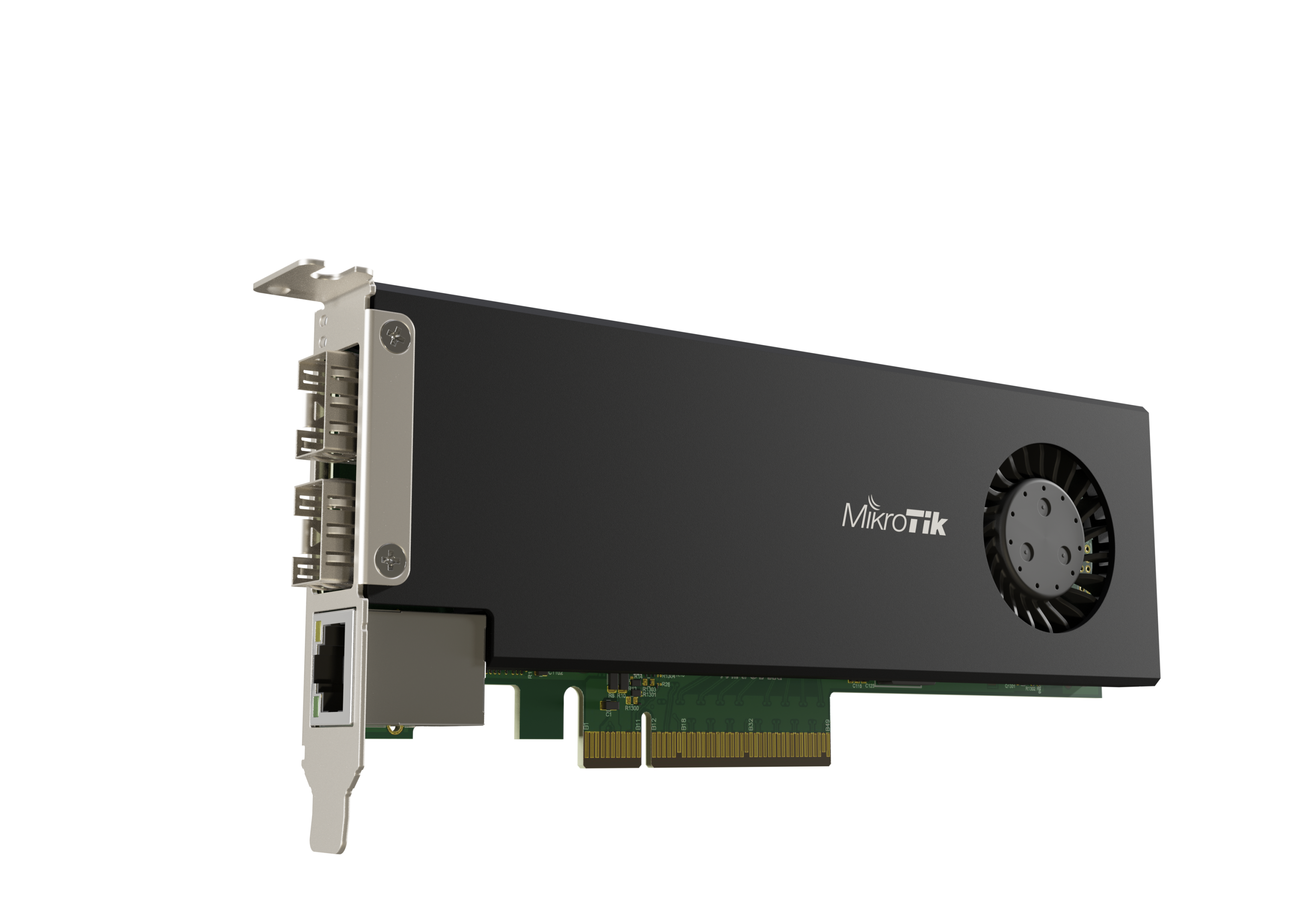
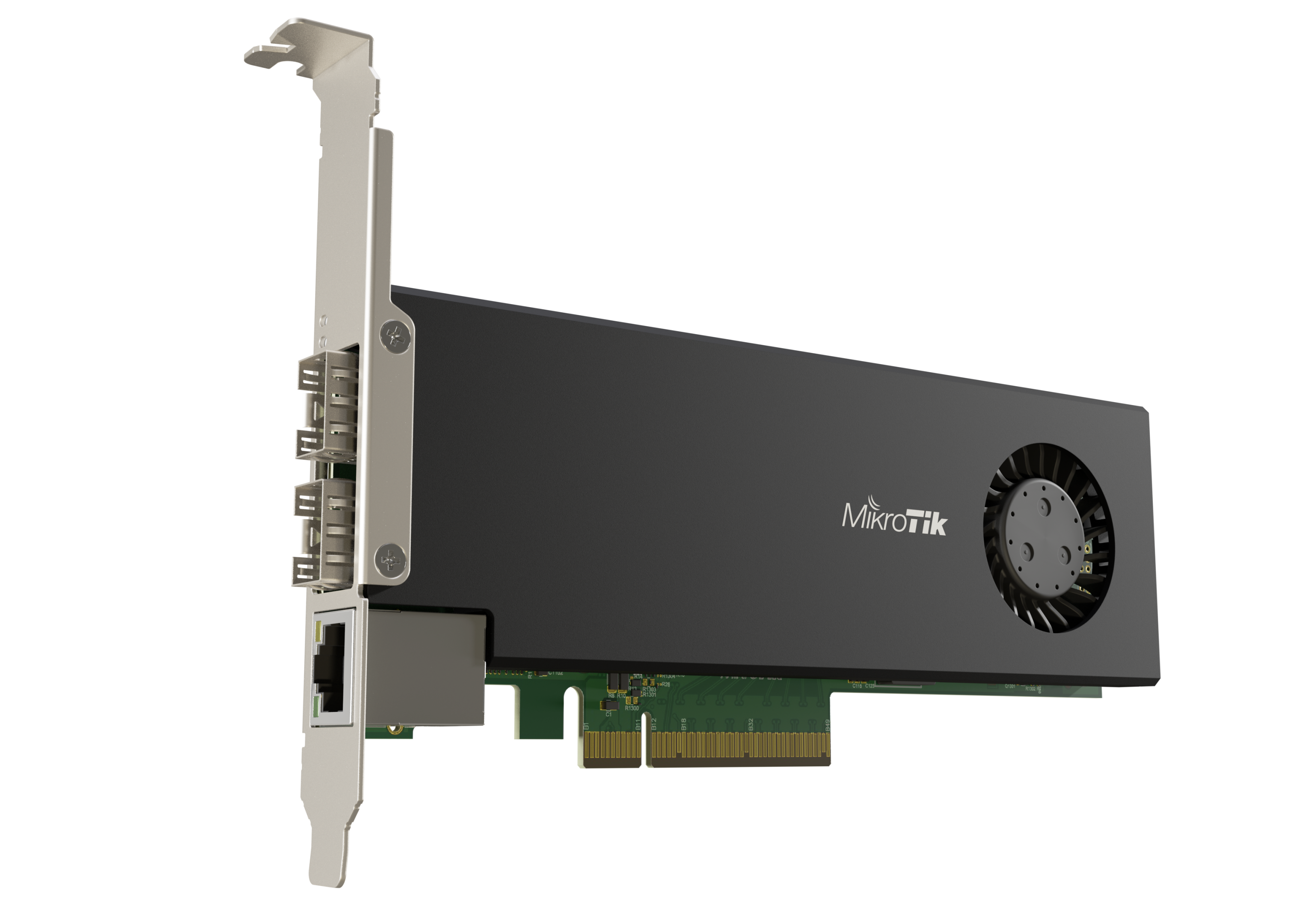
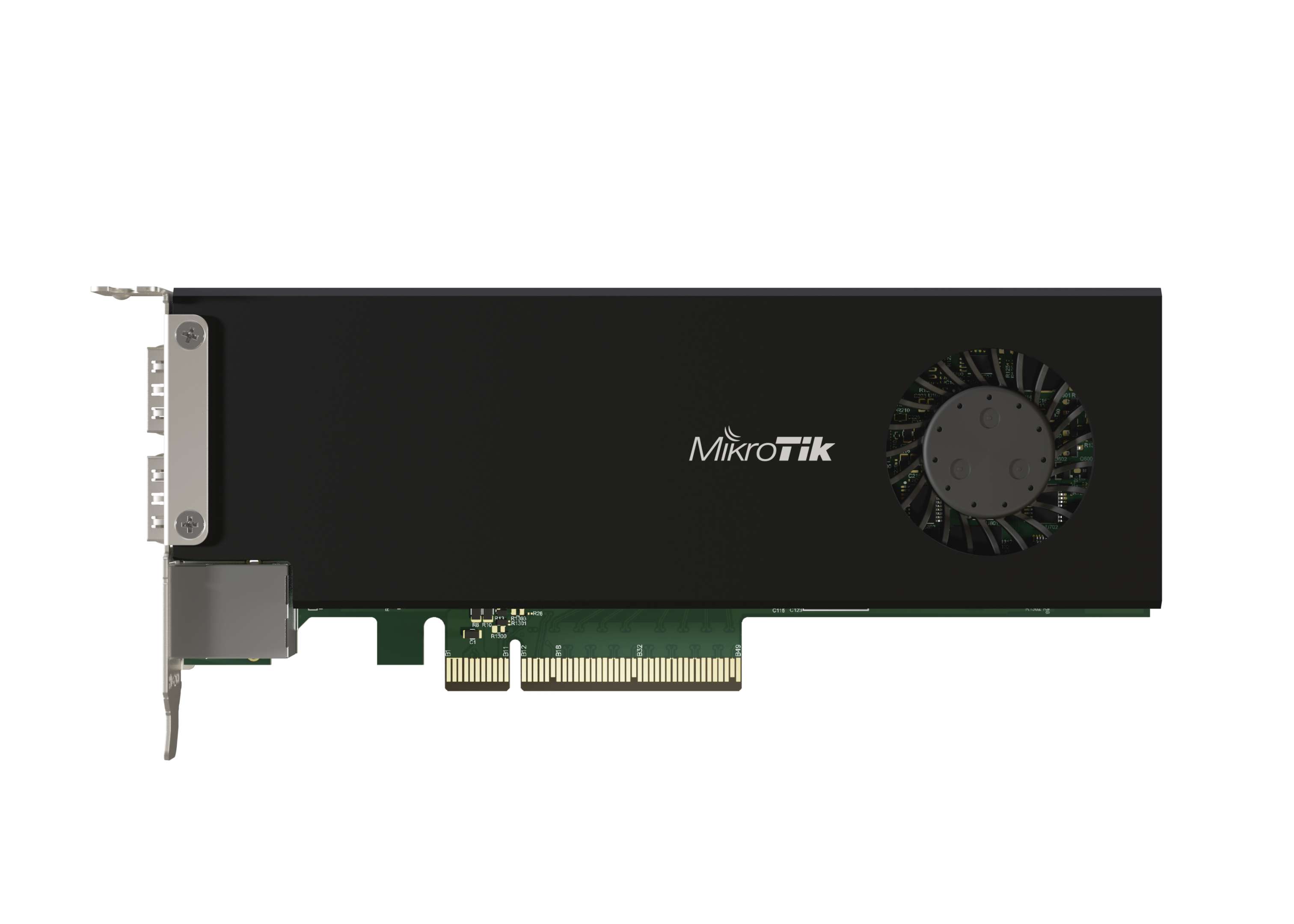

MikroTik CCR2004-1G-2XS-PCIe
Product.Nr.: CCR2004-1G-2XS-PCIe
Manufacturer: MikroTik
https://mikrotik.com/product/ccr2004_1g_2xs_pcie
176,12 EUR
incl. 19 % VAT
-

- delivery time sofort lieferbar
- weight 0,28 kg
#1: CCR2004-1G-2XS-PCIe
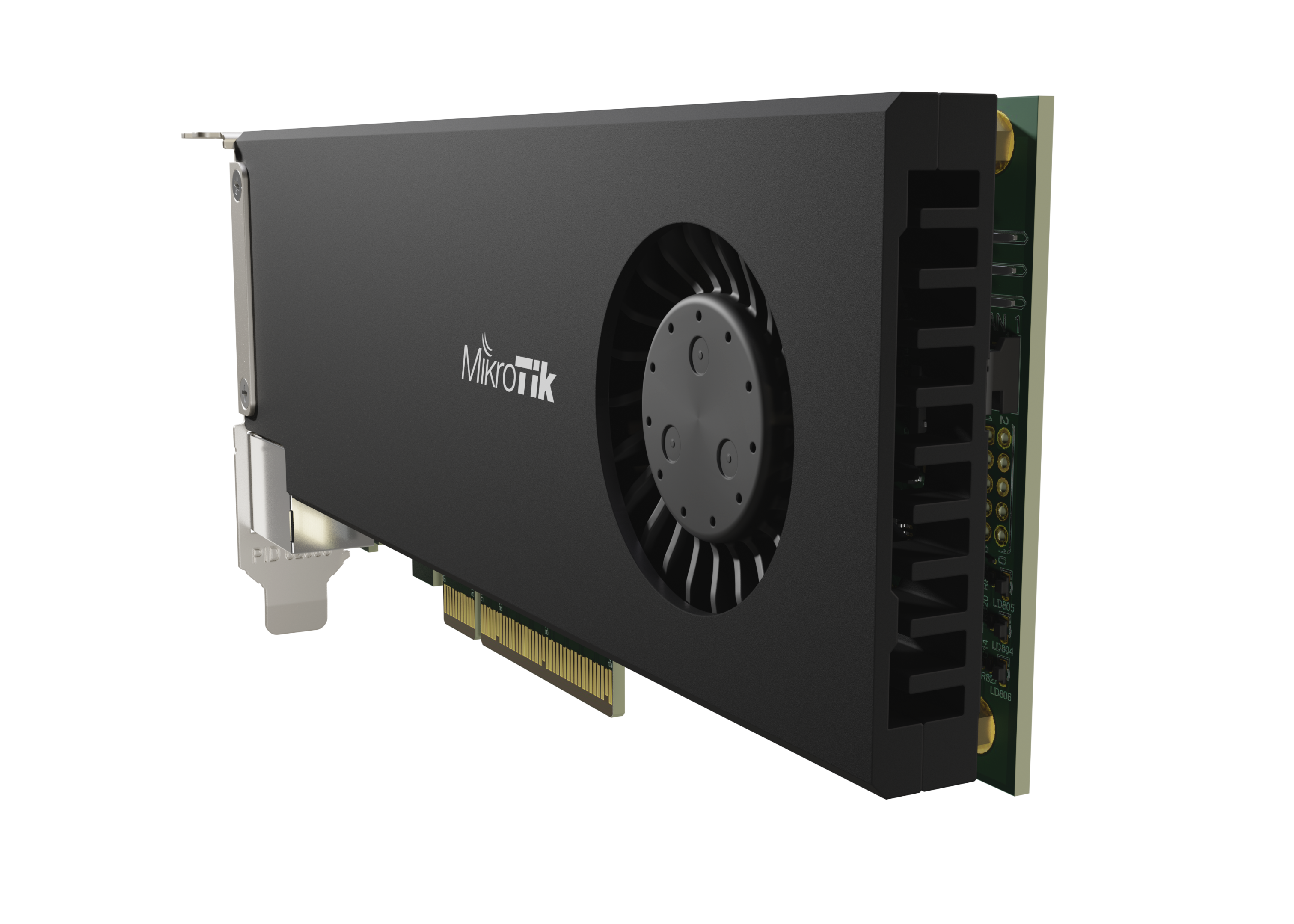
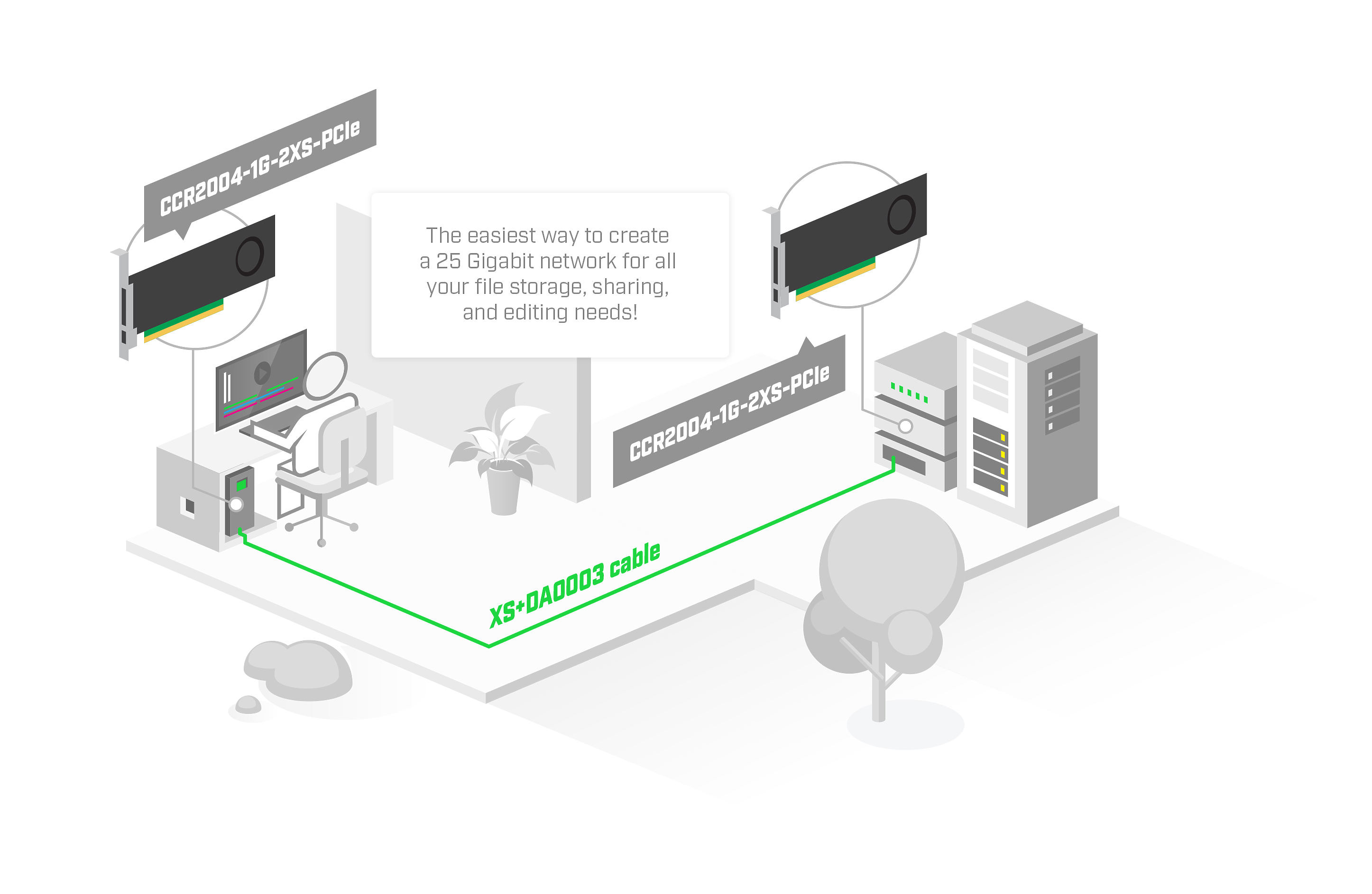
Save space in your server room by adding a real CCR2004.. within the server itself! This unique product combines a simple 2x 25 Gigabit PCIe Ethernet adapter with the impressive capabilities of a fully-fledged router.
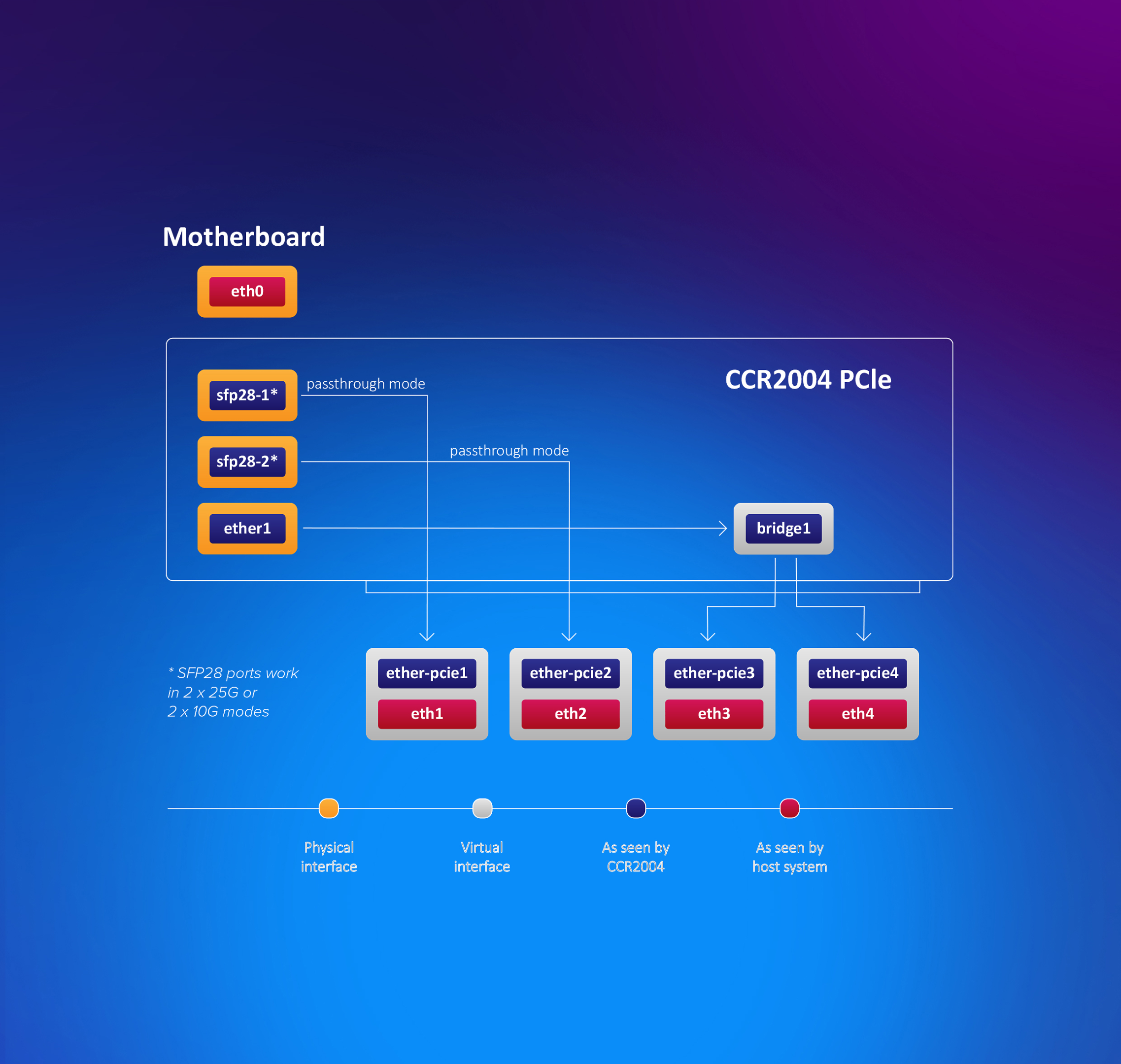
By default, the PCIe interface will show up as four virtual Ethernet interfaces. Two interfaces in passthrough mode to the 25G SFP28 cages. Remaining two virtual Ethernet-PCIe interfaces are bridged with the Gigabit Ethernet port for management access. The user can configure all interfaces and settings freely since we are running fully functional RouterOS here.
To get this CCR device to work as an NIC, a new Passthrough mode was implemented. Basically, a FastForward FastPath mode that can also pass hardware link statuses.
This NIC can reach wire-speed (100Gbps) with Jumbo frames. It ensures that in most server setups this CCR network card will not be the bottleneck.
With 4 GB of RAM, 128 MB of NAND storage, and a powerful quad-core ARMv8 64-bit CPU, this device can handle a lot: firewalls, user management and access control for home media and file servers, and even some traffic control in data centers – without the need for a stand-alone router.
This form-factor does come with certain limitations that you should keep in mind. The CCR NIC card needs some time to boot up compared to ASIC-based setups. If the host system is up before the CCR card, it will not appear among the available devices. You should add a PCIe device initialization delay after power-up in the BIOS. Or you will need to re-initialize the PCIe devices from the HOST system.
Can be implemented via Linux as follows:
- echo “1” > /sys/bus/pci/devices/0000:03:00.0/remove
- sleep 2
- echo “1” > /sys/bus/pci/rescan
where 0000:03:00.0 is this device ID
MikroTik is looking forward to see your unique use-cases for this unconventional device: a simple high-speed networking card combined with a powerful Cloud Core Router.
Unleash the potential of your server with the fierce power of RouterOS!
Installation: The unit is supported by Linux (minimum kernel version 5.15.25) and RouterOS (minimum version 7.x) - but is not recognised under Windows.
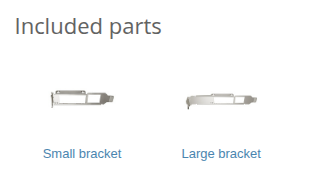
#2: Im Lieferumfang enthalten | Included in delivery
| 1x | CCR2004-1G-2XS-PCIe | |
| 1x | Kleine Halterung | (Small bracket) |
| 1x | Große Halterung | (Large bracket) |
#3: Spezifikationen - Technische Details | Specifications - Technical details
Product code CCR2004-1G-2XS-PCIe
Architecture ARM 64bit
CPU AL52400
CPU core count 4
CPU nominal frequency 1500 MHz
CPU Threads count 4
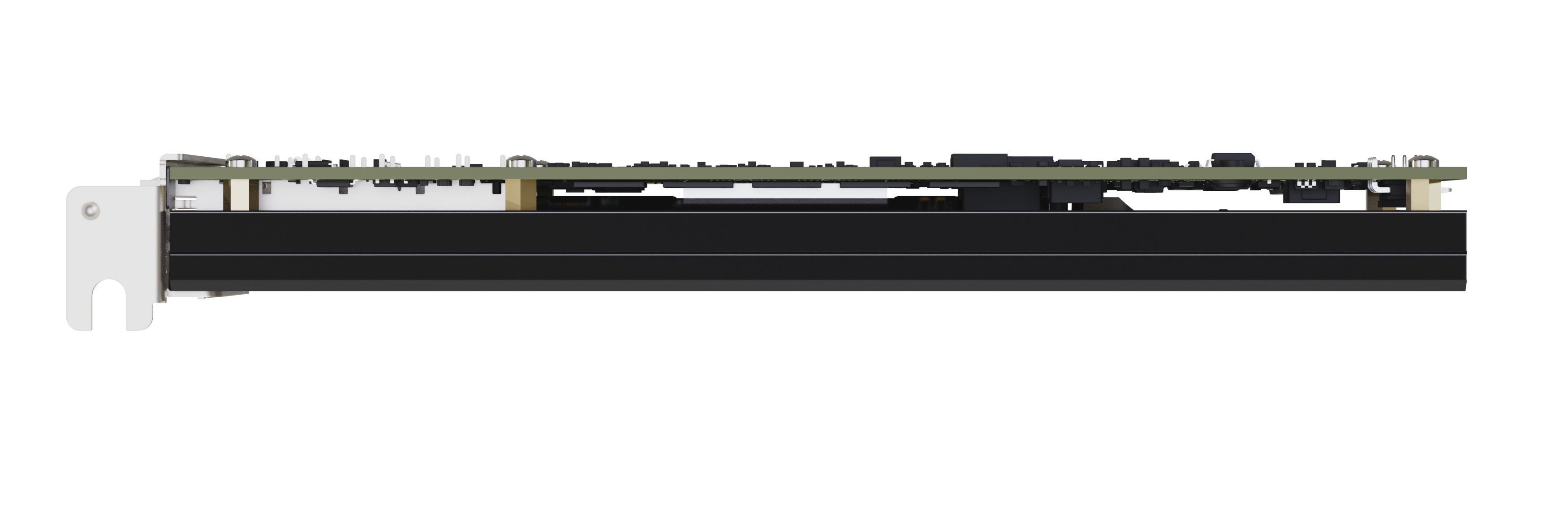
Dimensions 170 x 69 x 18 mm
RouterOS license 6
Operating System RouterOS v7
Size of RAM 4 GB
Storage size 128 MB
Storage type NAND
MTBF Approximately 200'000 hours at 25C
Tested ambient temperature -20°C to 60°C
Powering
Max power consumption 29 W
Max power consumption without attachments 22 W
Cooling type 1 fan
Ethernet
10/100/1000 Ethernet ports 1
Fiber
Number of 25G SFP28 ports 2
Other
CPU temperature monitor Yes
Current Monitor Yes
PCB temperature monitor Yes
Voltage Monitor Yes
Certification & Approvals
Certification CE, EAC, ROHS
IP 20
Note
The device has an operating system preinstalled and licensed. No separate purchase is necessary and the product is ready to use. The device includes free software updates for the life of the product or a minimum of 5 years starting from date of purchase.
#4: Test Resultate nach RFC2544 | Test results according to RFC2544
| CCR2004-1G-2XS-PCIe | AL52400 - all port test | ||||||
| Mode | Configuration | 1518 byte | 512 byte | 64 byte | |||
| kpps | Mbps | kpps | Mbps | kpps | Mbps | ||
| Passthrough | none (fast path) | 2341.4 | 28434 | 2349.6 | 9624.1 | 2339.3 | 1272.6 |
| Bridging | none (fast path) | 1119.9 | 13600.1 | 1640.9 | 6721 | 2339.3 | 1272.6 |
| Bridging | 25 bridge filter rules | 793.9 | 9640.9 | 914 | 3743.6 | 1350.5 | 734.7 |
| Routing | none (fast path) | 1084.2 | 13166.3 | 1404.6 | 5753.4 | 2339.3 | 1272.6 |
| Routing | 25 simple queues | 827 | 10043.4 | 968.5 | 3966.9 | 1460.4 | 794.5 |
| Routing | 25 ip filter rules | 567.6 | 6892.7 | 641.4 | 2627.1 | 801.2 | 435.9 |
- All tests are done with Xena Networks specialized test equipment (XenaBay),and done according to RFC2544 (Xena2544)
- Max throughput is determined with 30+ second attempts with 0,1% packet loss tolerance in 64, 512, 1518 byte packet sizes
- Test results show device maximum performance, and are reached using mentioned hardware and software configuration, different configurations most likely will result in lower results
| CCR2004-1G-2XS-PCIe | AL32400 IPsec throughput | ||||||
| Mode | Configuration | 1400 byte | 512 byte | 64 byte | |||
| kpps | Mbps | kpps | Mbps | kpps | Mbps | ||
| Single tunnel | AES-128-CBC + SHA1 | 203 | 2273.6 | 204.1 | 836 | 202.2 | 103.5 |
| 256 tunnels | AES-128-CBC + SHA1 | 232.4 | 2602.9 | 230.5 | 944.1 | 222.2 | 113.8 |
| 256 tunnels | AES-128-CBC + SHA256 | 232.4 | 2602.9 | 230.5 | 944.1 | 222.2 | 113.8 |
| 256 tunnels | AES-256-CBC + SHA1 | 232.3 | 2601.8 | 227.3 | 931 | 238.1 | 121.9 |
| 256 tunnels | AES-256-CBC + SHA256 | 232.3 | 2601.8 | 227.3 | 931 | 238.1 | 121.9 |
- All tests are done with Xena Networks specialized test equipment (XenaBay),and done according to RFC2544 (Xena2544)
- Max throughput is determined with 30+ second attempts with 0,1% packet loss tolerance in 64, 512, 1400 byte packet sizes
- Test results show device maximum performance, and are reached using mentioned hardware and software configuration, different configurations most likely will result in lower results
#5: Produktinformationen & Hilfe | Product informations & Help
Produktspezifische Links - Product specific links:
| Blockdiagramm | Block Diagram | Öffnen | Open |
| Abmessungen | Dimensions | Öffnen | Open |
| Konformitätserklärung | Declaration of Conformity | Öffnen | Open |
| Kurzanleitung | Quick Guide | Öffnen | Open |
| Bedienungsanleitung | User Manual | Öffnen | Open |
Sonstige, hilfreiche Links - Other useful links:
| Softwarehandbuch [RouterOS] | Software manual [RouterOS] | Öffnen | Open |
| Software/Updates [RouterOS, SwOS & CHR] | Software/Updates [RouterOS, SwOS & CHR] | Öffnen | Open |
| Kompatibilität mit SFP, SFP+, SFP28, QSFP+, QSFP28, QSFP56-DD | Compatibility with SFP, SFP+, SFP28, QSFP+, QSFP28, QSFP56-DD | Öffnen | Open |
| Blog [RouterOS, 60GHz, RMA, ...] | Blog [RouterOS, 60GHz, RMA, ...] | Öffnen | Open |


Manufacturer identification
Manufacturer identification
Name: SIA MikrotīklsE-Mail adress: sales@mikrotik.com
Streetaddress: Aizkraukles iela
Address addition: 23
ZIP Code: LV-1006
City: Riga
Country: LV
Phone: +371-6-7317700
EU economic operator
Name: SIA MikrotīklsE-Mail adress: sales@mikrotik.com
Streetaddress: Aizkraukles iela
Address addition: 23
ZIP Code: LV-1006
City: Riga
Country: LV
Phone: +371-6-7317700